Compact Gray
For consultants and professional services
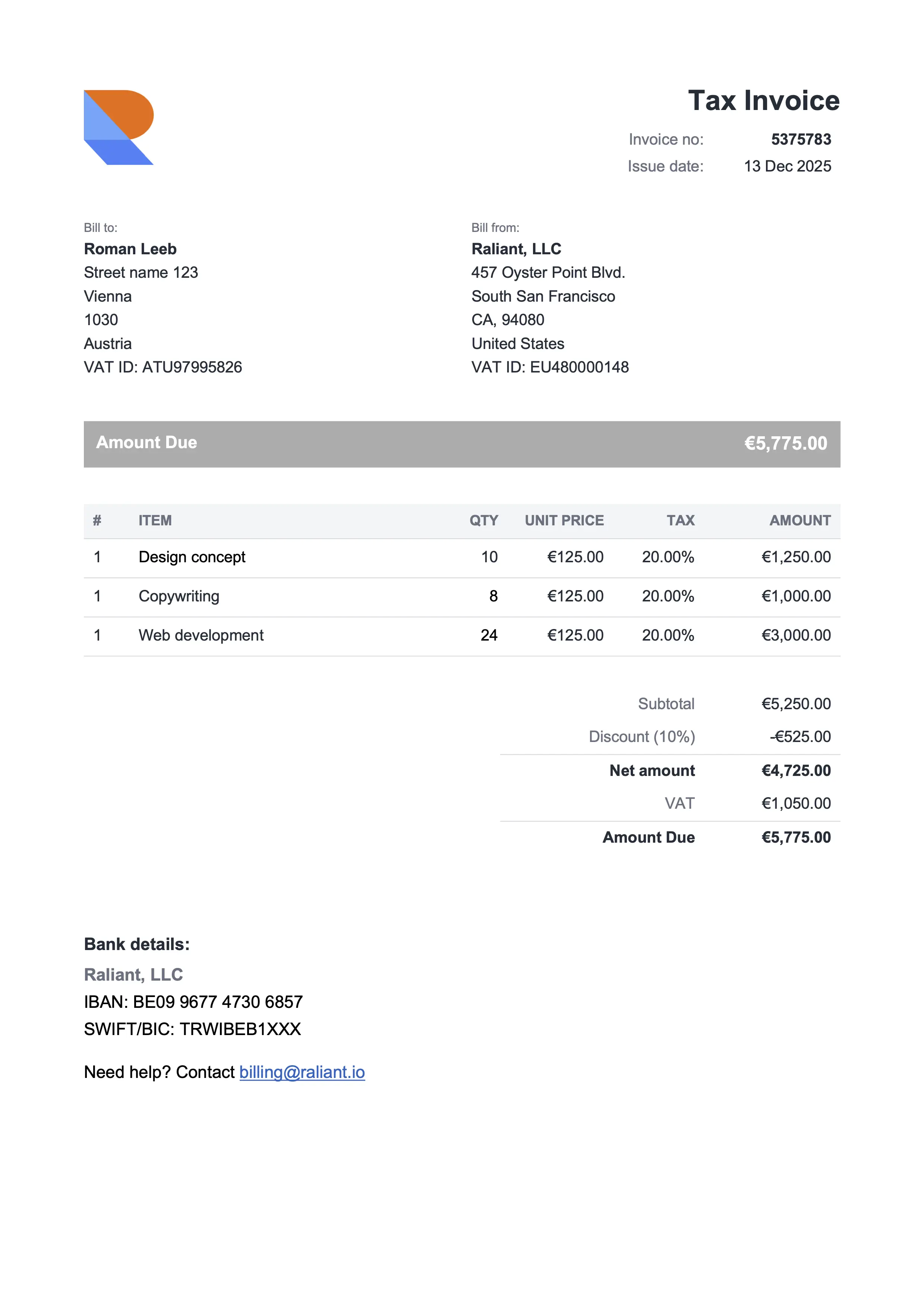
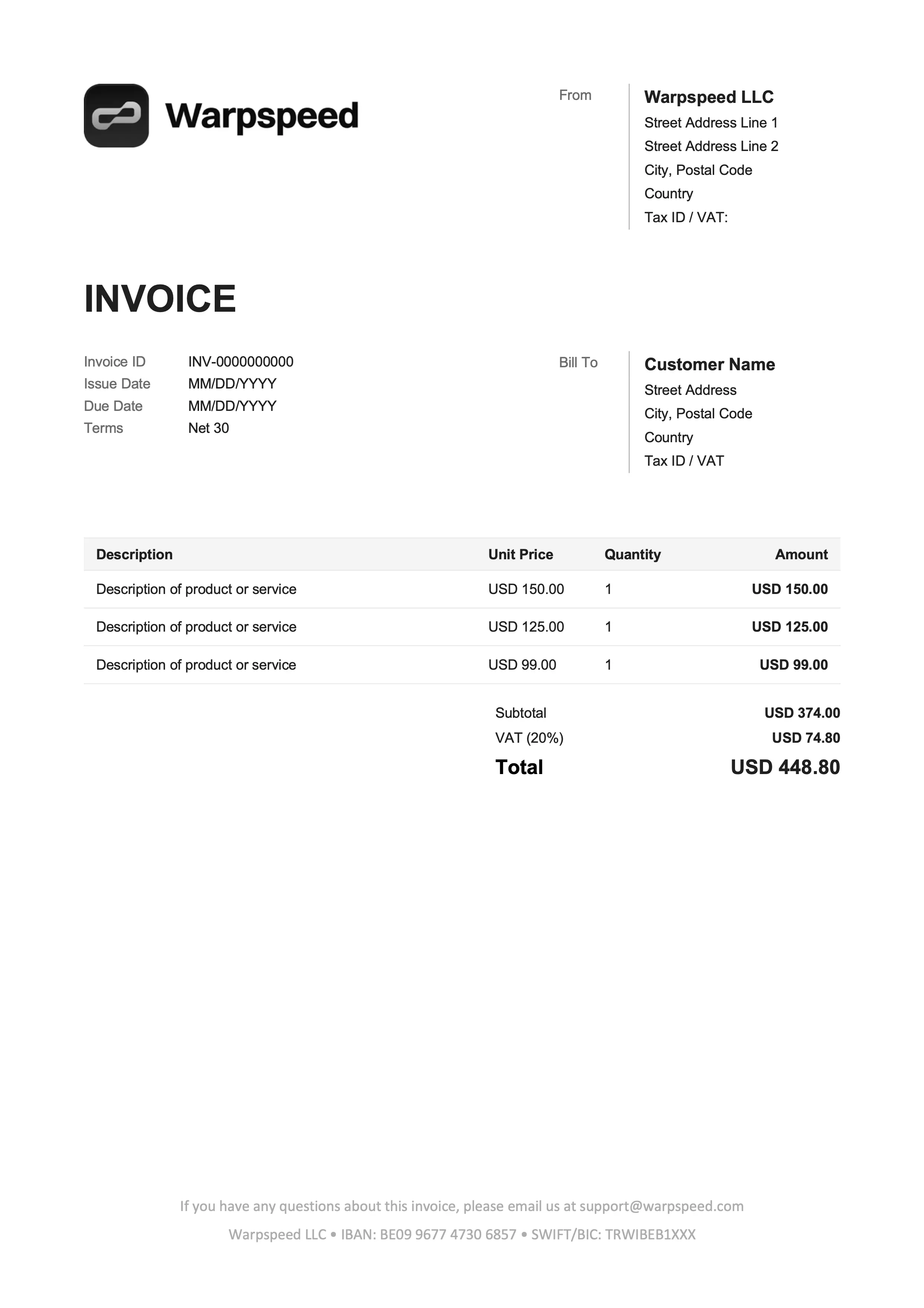
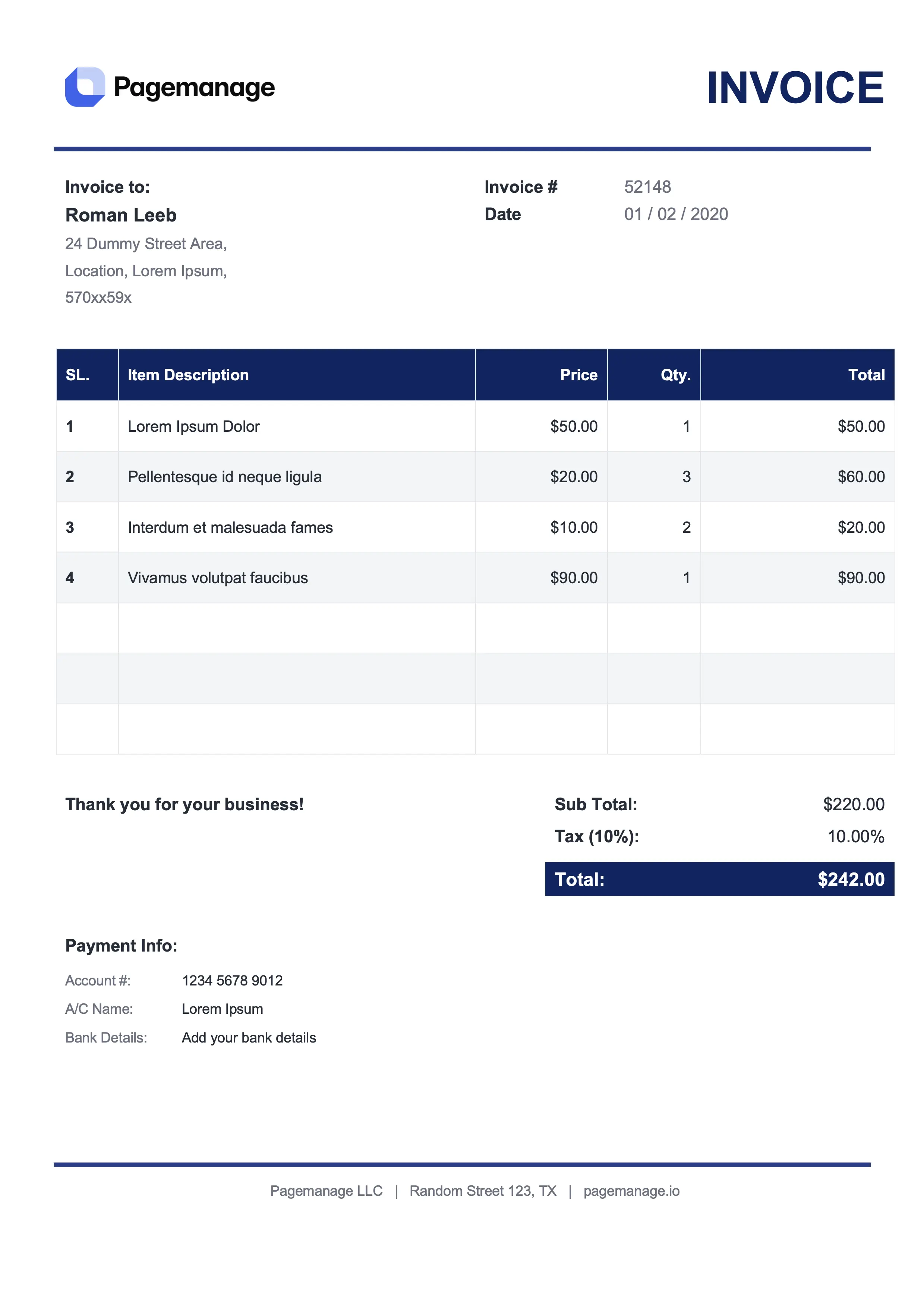
Free Google Docs invoice templates. Open a template above, click Make a copy, replace the sample data, and send the invoice as a PDF. If you want subtotals and tax calculated for you, use the Google Sheets version. No Office license and no signup.
For consultants and professional services
For freelancers and online services
For lawyers and advisors
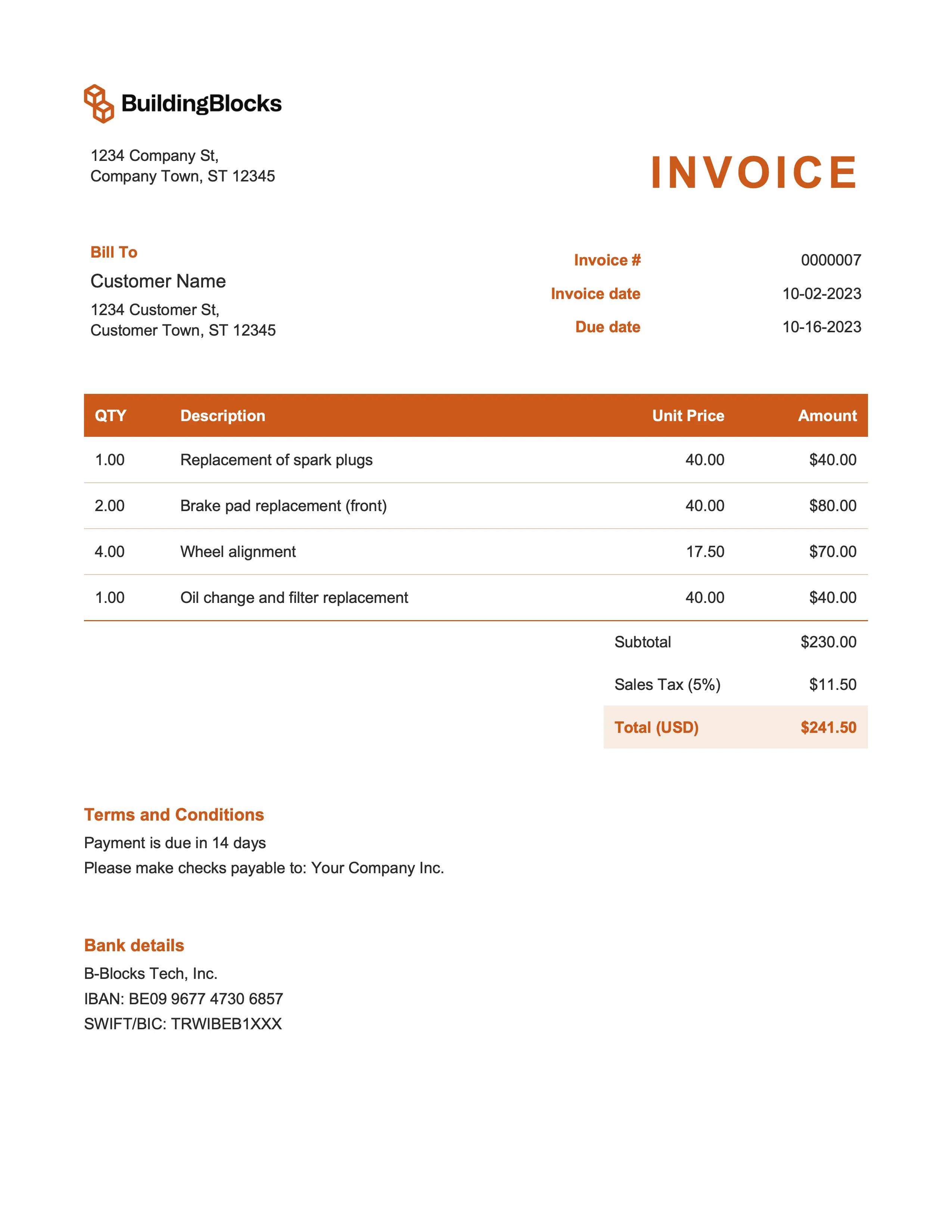
For marketing and event management
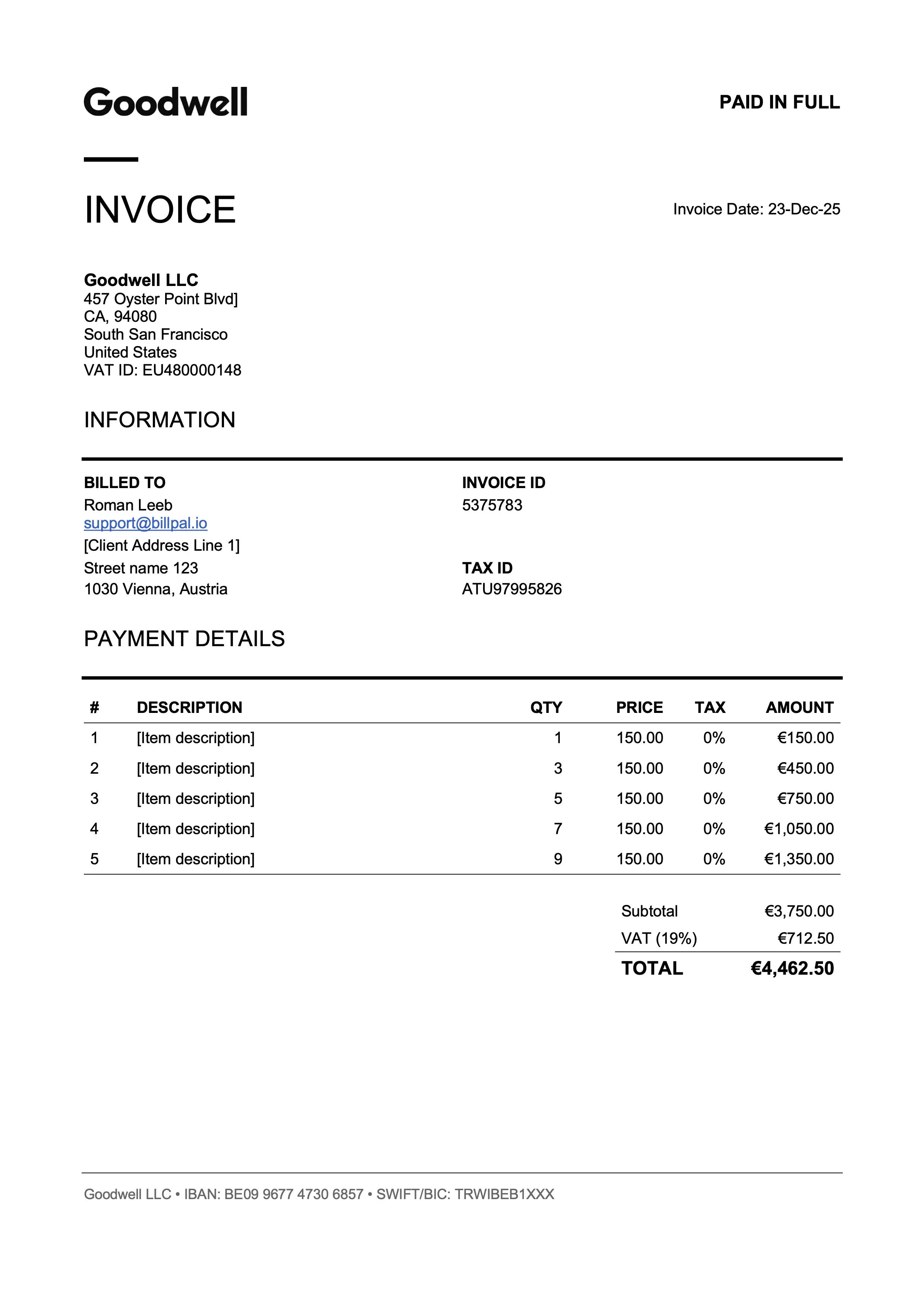
For designers and art directors
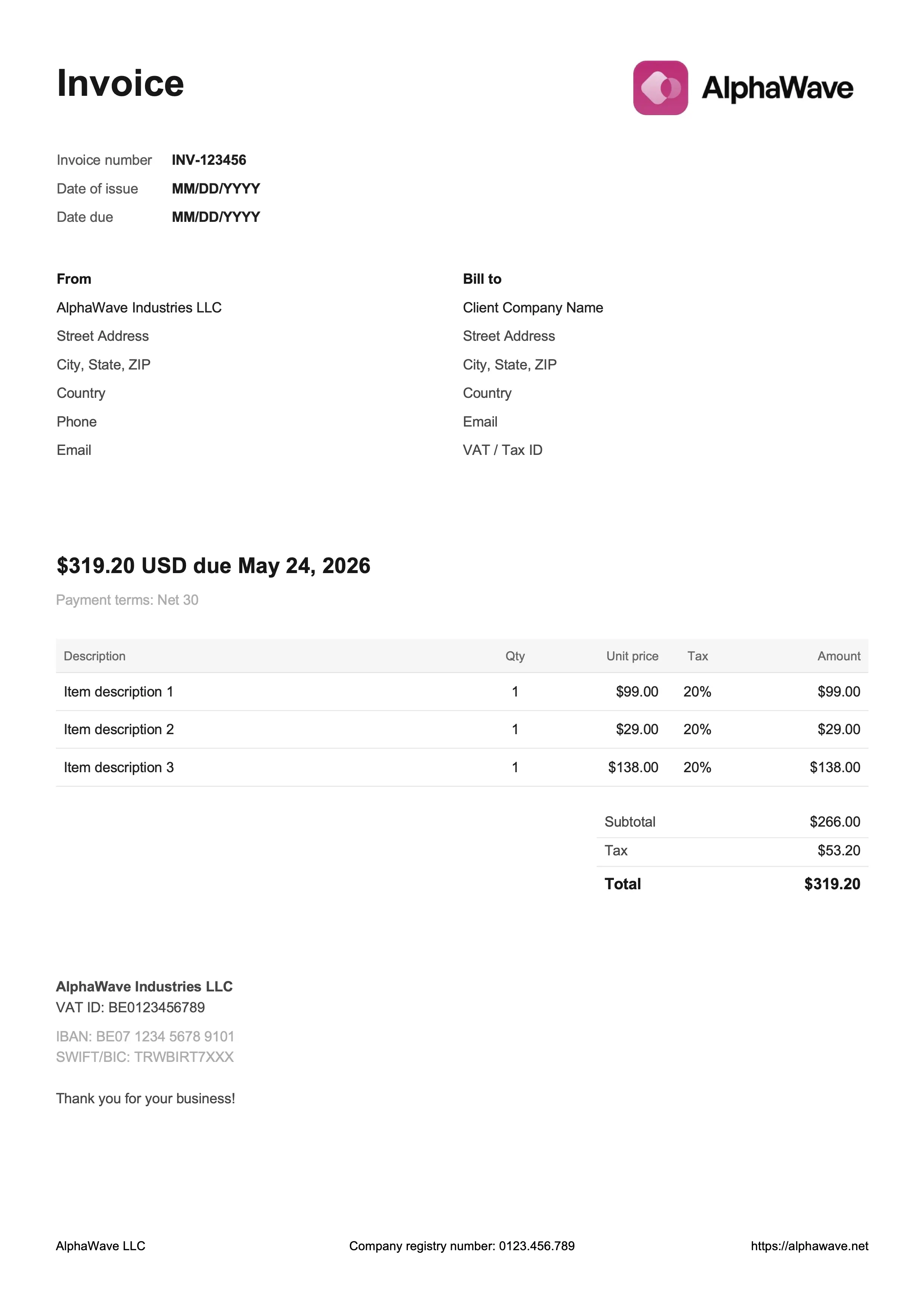
For digital products and creative work
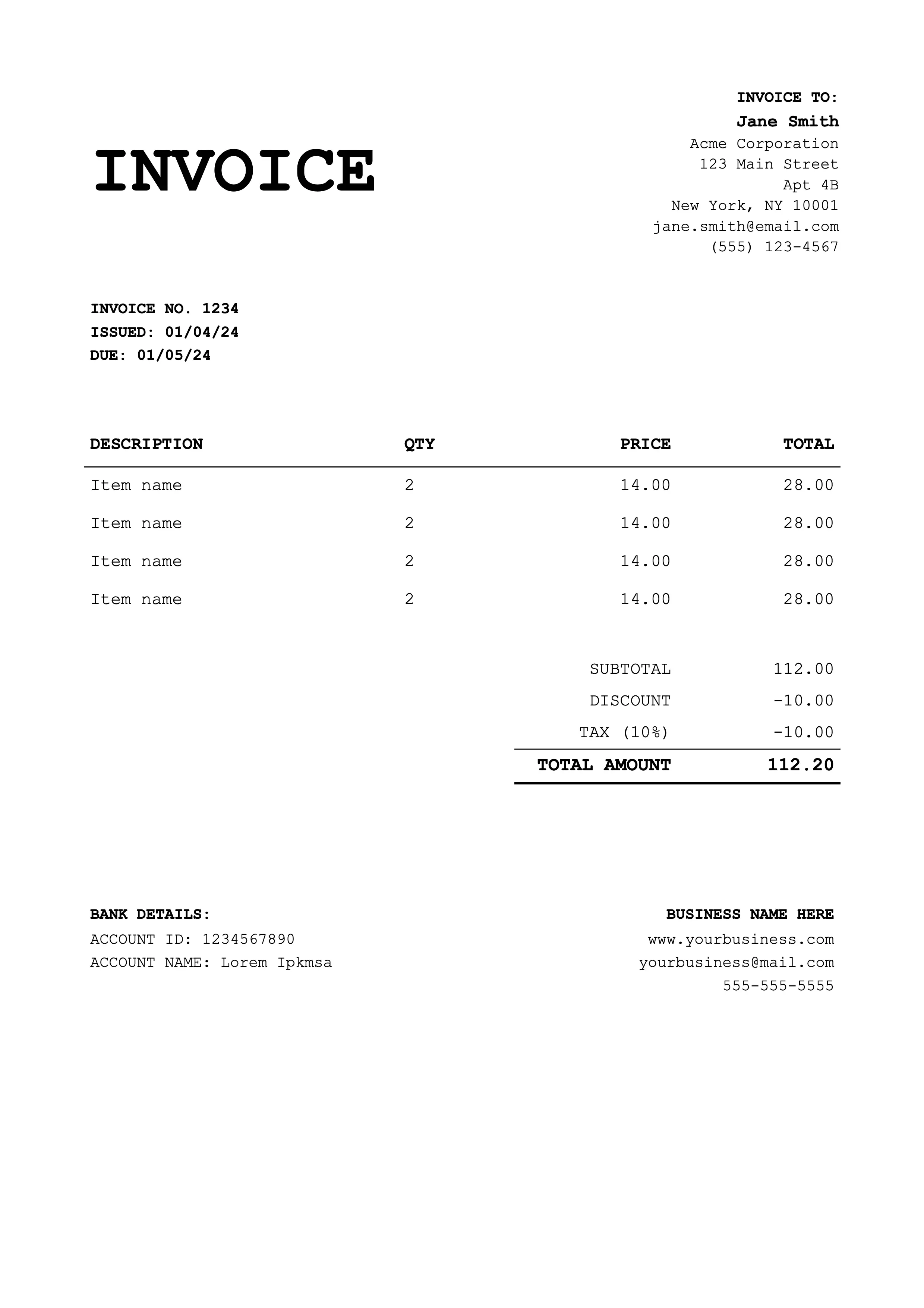
For coaches and educators
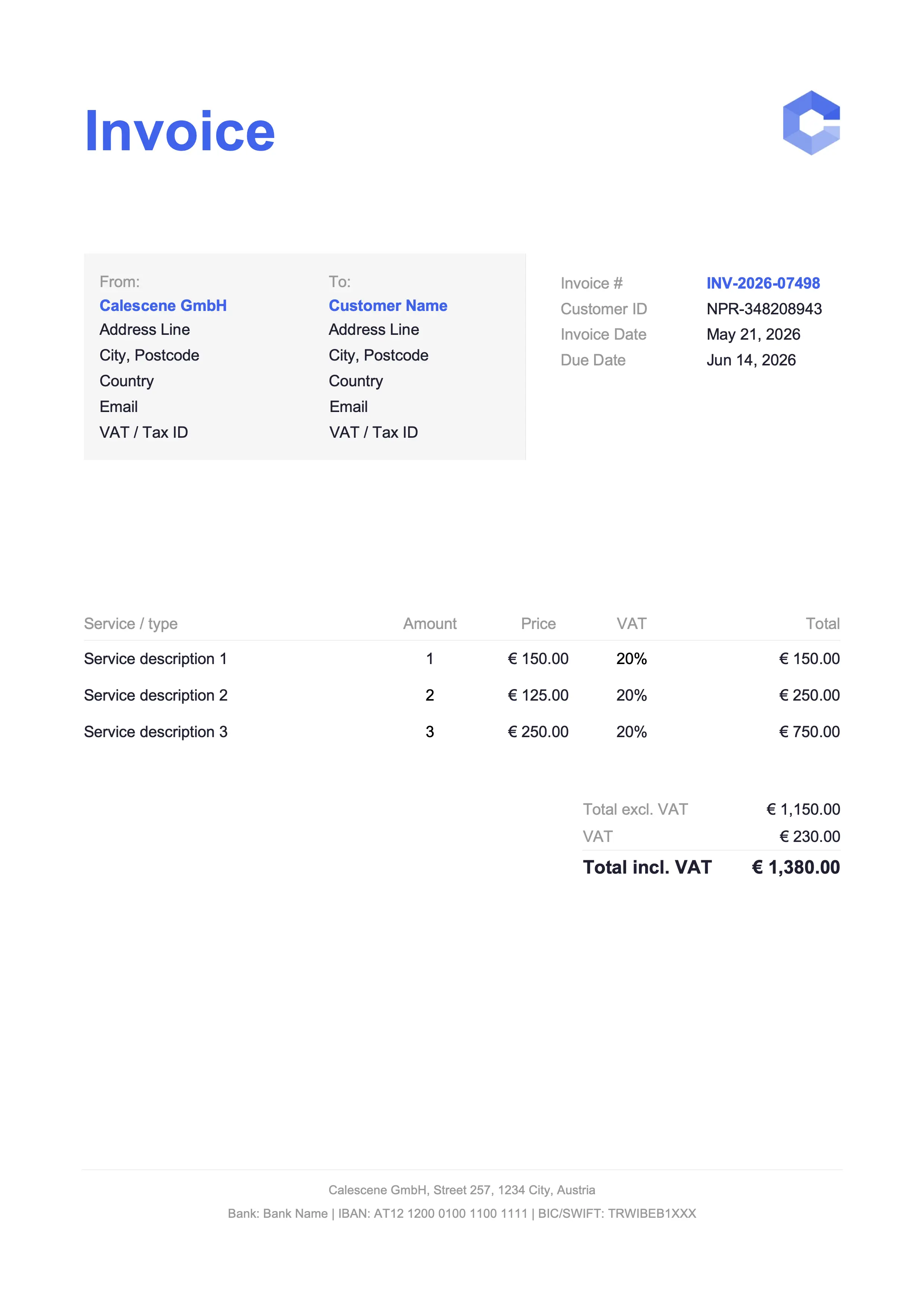
For trades and service jobs
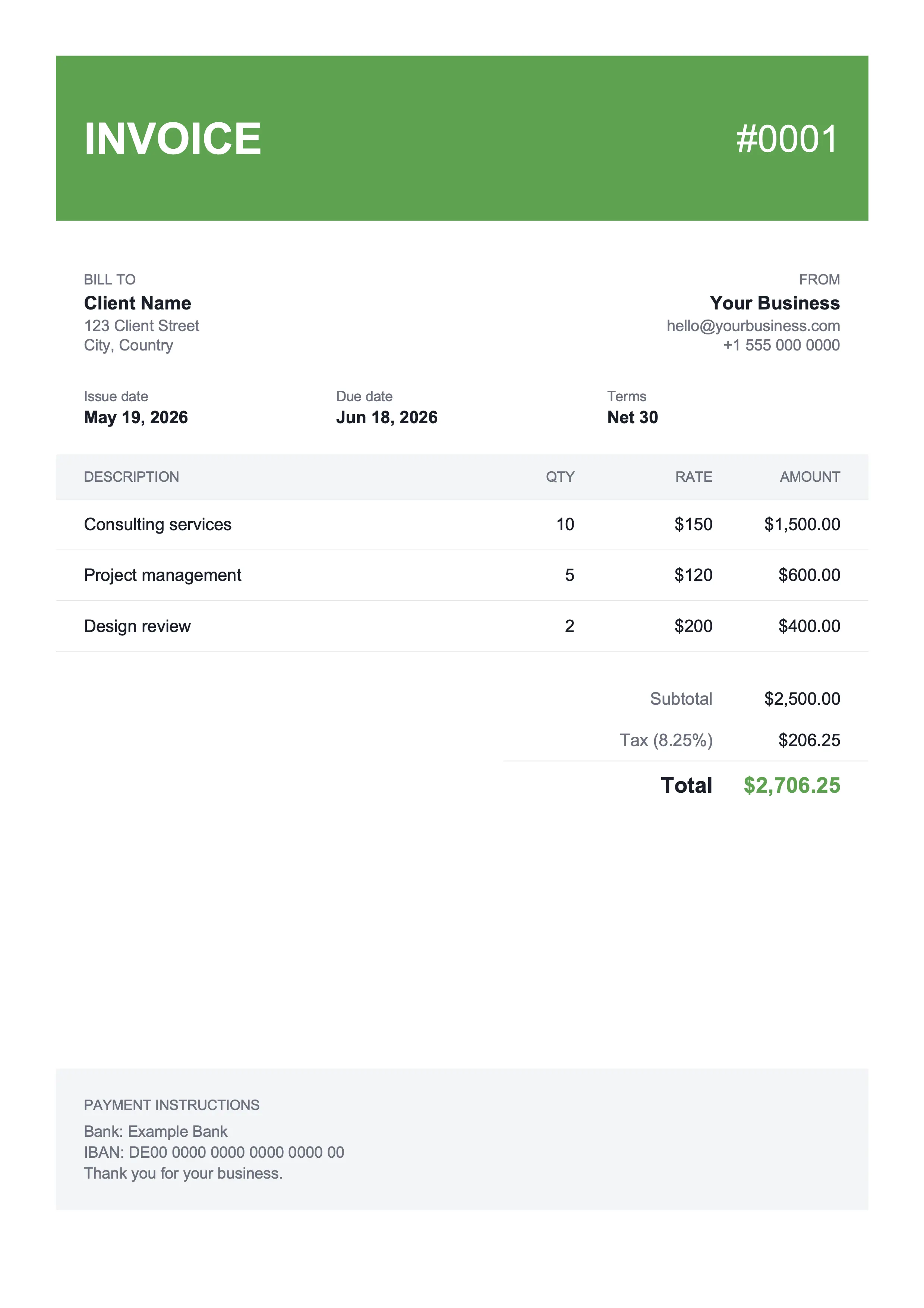
For shops and landscaping
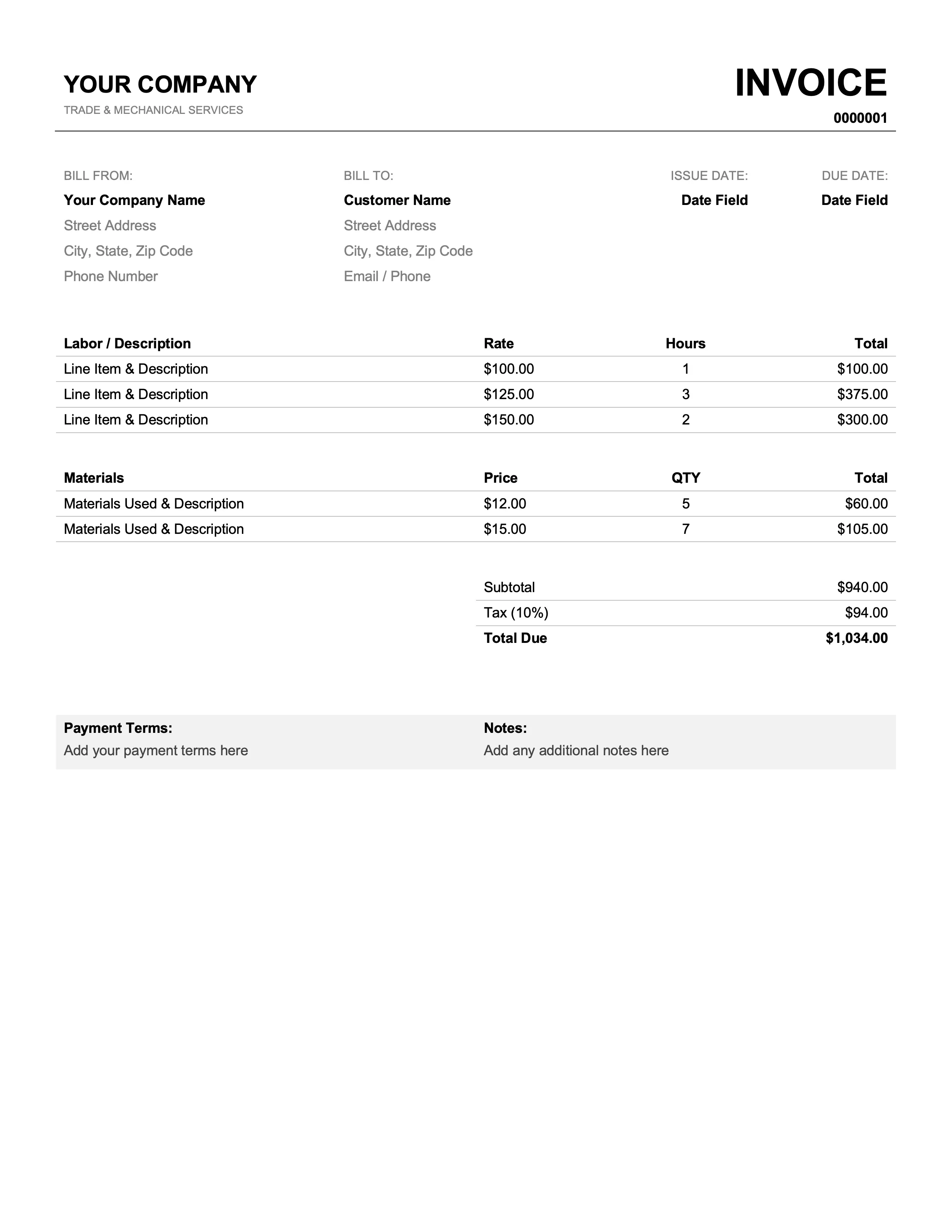
For mechanics and plumbers
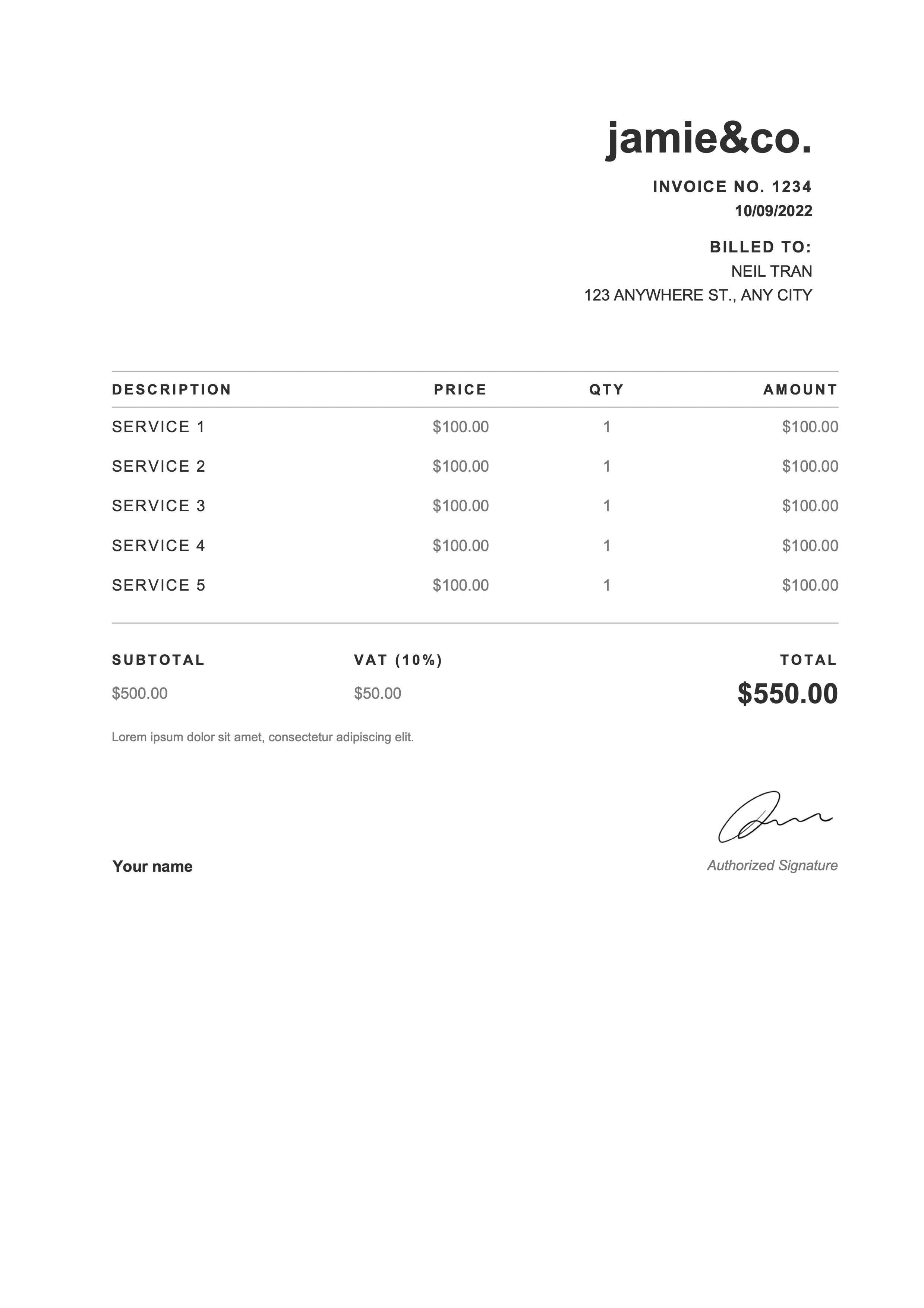
For photographers and web designers
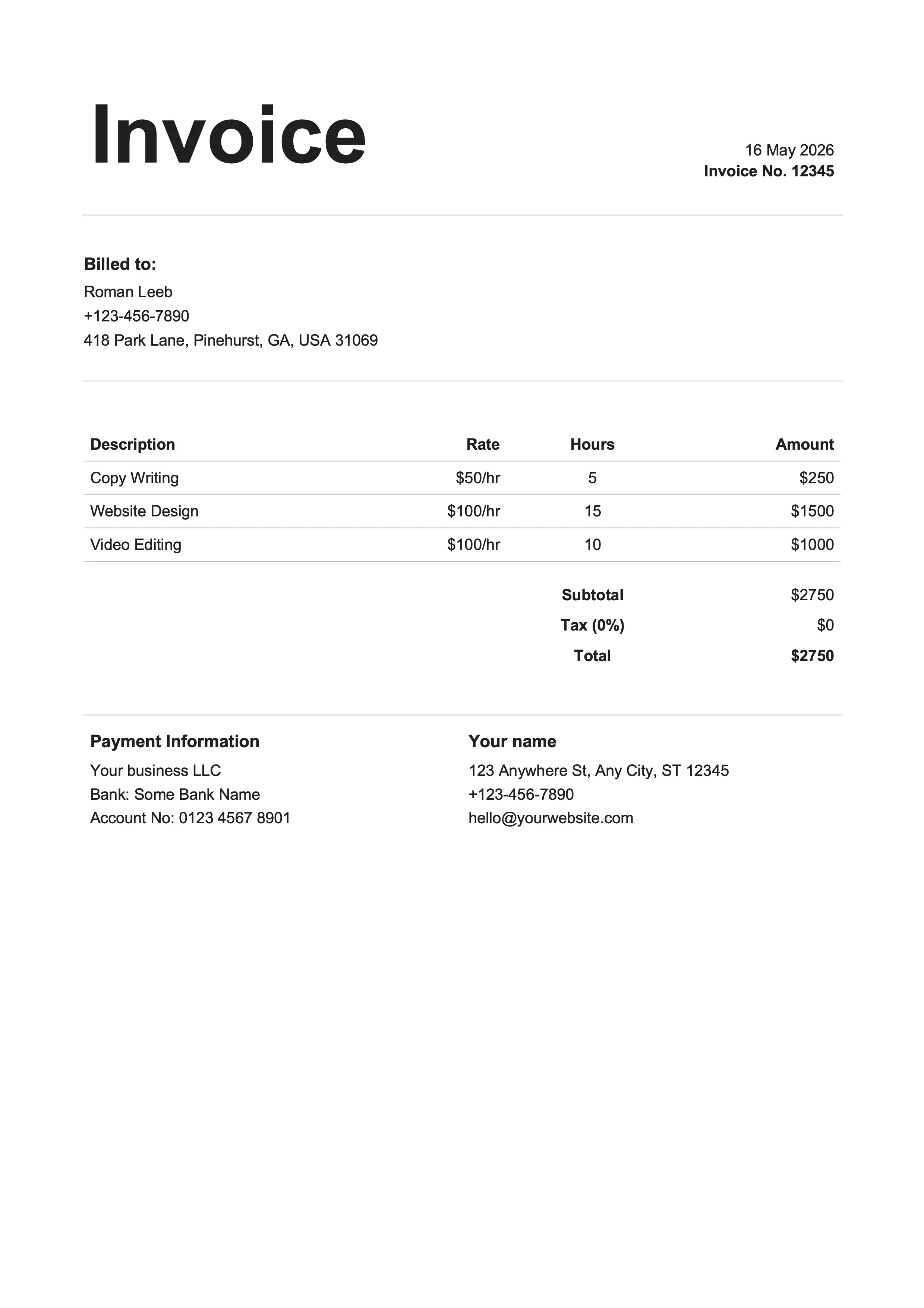
For writers and creators
Same designs, different format. Pick whichever fits your workflow.
Google Docs lets you write an invoice without installing anything: copy the template to your Drive, fill it in, and send it. Unlike the Sheets version, it doesn't calculate totals, so you work them out yourself. In return you get a document-style layout with more control over the typography.
Open the template, click Make a copy, and start editing your own copy.
Add your logo with Insert > Image and recolor the headers to match your brand.
Runs in any browser, on any device. Share the document if someone needs to review it first.
Invoice number, dates, line items, a tax line, and payment terms are already laid out.
File > Download > PDF Document gives you one PDF to attach to an email.
Business name, address, and contact details for both parties.
A sequential number, the issue date, and a due date, for example 14 or 30 days later.
Description, quantity, unit price, and amount per item.
Calculated automatically in the Excel and Google Sheets versions, by hand in Word and Google Docs.
Bank details such as IBAN and BIC, accepted payment methods, and payment terms.
PO number, project name, and any custom terms or thank-you note.
Click Open in Google Docs on any template card above. Google asks you to make a copy in your own Drive. Confirm, and you edit your own copy, not the original.
Replace the sample business name, address, contact details, and VAT ID with your own. Use Insert > Image > Upload from computer to replace the sample logo. The formatting stays when you replace the text.
Fill in your client's name and billing address, the invoice number, the issue date, and the service date. In the line-items table, enter a clear description, the quantity, and the unit price for each row.
Calculate the subtotal, subtract any discount, add the VAT (or sales tax in the US), and enter the total. Add your payment terms, for example 14 or 30 days, and your bank details.
Go to File > Download > PDF Document and attach the PDF to an email. You can also share the document with view-only access, but a PDF is the safer choice.
The free invoice skill fills any of these 12 designs from a short description. It asks for the details an EU invoice needs, such as the service date and VAT IDs, and can turn the PDF into a ZUGFeRD e-invoice.
Google Docs and Word both give you an editable, document-style invoice. The difference is where the file lives and how you work with it.
| Feature | Docs | Word |
|---|---|---|
| Where it lives | In your Google Drive | A .docx file on your device |
| Works offline | With Drive offline mode | Yes |
| Real-time collaboration | Built in, free | Limited (needs OneDrive) |
| Cost | Free with a Google account | Needs Microsoft Office |
| File format | Google Doc, exports to .docx or PDF | .docx |
| Best for | Teams that already use Drive | Working alone in Office |
Yes, Google Docs has a basic invoice in its template gallery. The free templates above come in 12 designs with all the standard fields and open in your Drive with one click. The same designs also exist for Google Sheets, which calculates the totals for you.
Open one of the templates above, click Make a copy, and replace the sample business and client details. Enter the line items with description, quantity, and unit price. Calculate the subtotal, add the tax, and enter the total. Then go to File > Download > PDF Document and email the PDF to your client.
Yes. Every design comes in Google Docs and Google Sheets and looks the same in both. The Sheets version calculates the subtotal, tax, and total as you type. The Docs version gives you more control over the typography. You can switch at any time.
Click the sample logo in the header and delete it. Then go to Insert > Image > Upload from computer and pick your logo file. Drag the corner handles to size it.
Use the tax line below the subtotal and enter your rate, for example 20%. Multiply the subtotal by the rate, enter the result as the tax amount, and add it to the subtotal for the total. If you'd rather not calculate by hand, use the Google Sheets version of the same template.
Yes. Every design comes in Google Docs, Google Sheets, Word (.docx), and Excel (.xlsx). Pick the format that fits how you work. Switching later means downloading another file or opening another copy link.
Export it as a PDF (File > Download > PDF Document) and attach it to an email, or share the document with view-only access. A PDF is the safer choice: your client gets a printable invoice that can't be edited by accident.
A template works well for a handful of invoices a month. If you also want help with the invoices and receipts you receive, there's Billpal. It imports them from your email, takes photos of paper receipts via WhatsApp, and exports everything for your accounting software.
Billpal collects invoices and receipts from where they already arrive and turns them into structured, categorized data for your accountant.